
Free
For your first menu
€0forever
1 screen
- 10 MB storage
- Files up to 10 MB
- The full product, on one wall
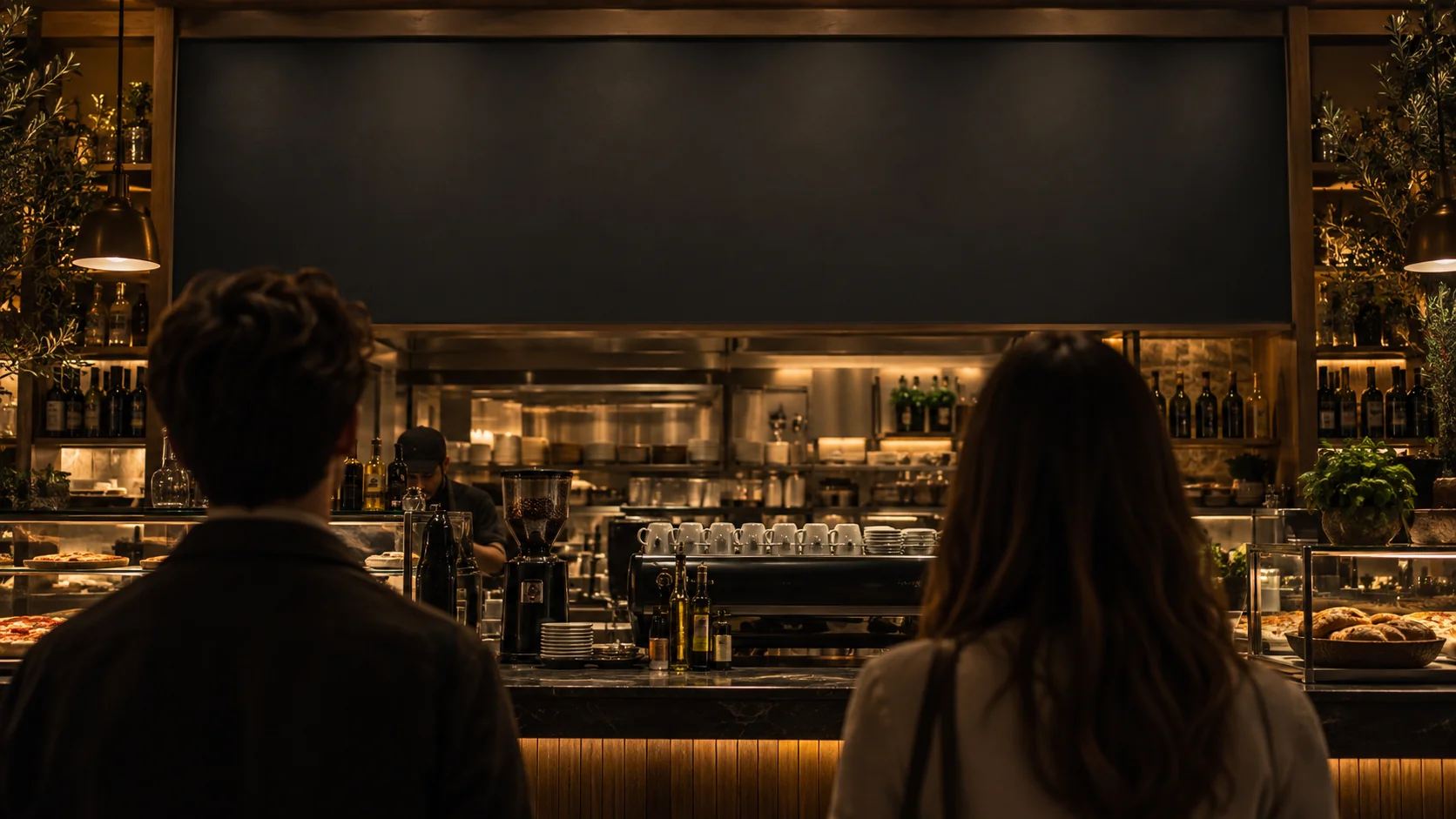
kiosk.ad is the menu app for big screens, TVs and tablets.
Start using it now Start free. No card needed.One place to manage what your guests see. Start with a channel — the content you want to show on one or more screens.
Lunch, something seasonal, a special worth looking up for. Give each playlist its own time in the week.
Update a channel from your phone or laptop. Connected screens follow automatically.
When a website stops answering, its saved copy can stand in on your screens.
Landscape TV or portrait tablet: preview the content and choose how each item fits.
A free plan to get going. More room for your media when you need it.
For your first menu
1 screen
For your venue
5 screens
For several locations
20 screens
More than 20 screens — hello@kiosk.ad. Switching or cancelling is one click, and the paid month always runs out first.
kiosk.ad runs on compatible Android tablets and Android TVs. A TV or monitor can also use an Android player connected by HDMI. It does not run natively on Samsung Tizen, LG webOS, iPad or iPhone.
Bring your existing website, images or videos. kiosk.ad displays them and manages their playlists and schedules. There is no built-in menu design editor. New accounts include sample content to try.
Create an account, open “Connect a screen” and follow the Android installation instructions. The QR setup or enrollment code links the device to your account. Then assign a channel to it.
Yes. Start on the Free plan without a bank card. Create a channel, try the sample content and connect your first screen.
Create an account. Your first channel is waiting.
Start using it nowStart free. No card needed.